
On this page
In an architecture studio, IT problems show up on the timesheet. Revit models and render files are large, and every minute a designer waits for a model to open, sync or save is a minute that can’t be billed. We found 21 firms marketing managed IT to Pasadena, but only 13 have an office in the city, and just two of the seven below publish a page for architecture firms.
This report ranks seven providers for Pasadena architecture firms, compares them side by side and covers what design studios should check before they sign.
How we ranked IT providers for architecture firms
We started with the 13 providers that have a Pasadena office and looked at how each one supports architecture and design firms. Every data point came from a public source checked in November 2026: Google Business Profiles, Clutch, company databases such as Built In and DesignRush, and each provider’s own website, including its architecture pages.
| Criterion | What we looked for |
|---|---|
| Pricing transparency | Per-user pricing published on the provider’s site |
| Multi-location coverage | Offices in more than one location |
| Architecture experience | A dedicated architecture page, or named CAD and BIM support |
| Reputation | Google rating and review volume, plus verified Clutch reviews |
| Local presence | A Pasadena office, not just a service-area page |
| Cybersecurity staff | An in-house security team or SOC |
| Compliance | Named frameworks with a matching service |
| Experience | Years in business |
| Strategic consulting | A vCIO or IT roadmap service |
| AI services | A dedicated AI service, not just a blog post |
The order below is our editorial judgment, with the most weight on published pricing, multi-location coverage and experience with architecture firms. The comparison table shows the underlying data so you can weigh it your own way.
The 7 best managed IT services for architecture firms in Pasadena
- Tech Kooks
- Managed IT Services Pasadena (MITSP)
- Intelligent Technical Solutions (ITS)
- AllSafe IT
- Techmedics
- Netready IT
- Xantrion
Side-by-side comparison
| Tech Kooks | MITSP | ITS | AllSafe IT | Techmedics | Netready IT | Xantrion | |
|---|---|---|---|---|---|---|---|
| Architecture or CAD/BIM experience | None listed | None listed | Architecture and design page | None listed | Architecture page; supports AutoCAD, Revit and BIM | None listed | None listed |
| Google rating (reviews) | 5.0 (5) | 5.0 (4) | 5.0 (8) | 4.8 (63) | 5.0 (21) | 5.0 (71) | 4.8 (26) |
| Clutch reviews | None | None | Not verified | 12 | 7 (5.0) | None | 14 |
| Founded | 2022 | ~2015 | 2003 | 2001 | 2001 | 1995 | 2000 |
| Team size | ~30 | 20+ technicians | 150+ (company-wide) | Not disclosed | Not disclosed | 10–49 | ~80 |
| Pasadena office | Google listing only (site lists San Pedro) | Headquarters | Branch (HQ Las Vegas) | Headquarters | Headquarters | Headquarters | Branch (HQ Bay Area) |
| Locations | 5 | 1 | 14 | 3 | 3 | 2 | 4 |
| Published pricing | $39.99–$59.99 per user/mo | $39.99–$59.99 per user/mo | $125–$300 per user/mo | $100–$250 per user/mo | Quote only | Quote only | Quote only |
| Compliance named | None named | HIPAA | HIPAA, CMMC, SOC 2, PCI DSS, FINRA, NIST 800-171, ISO 27001 | HIPAA, CMMC, SOC 2, PCI DSS, CCPA | None named | HIPAA, FINRA | Own SOC 2 certification |
| Security operations | 24/7 MDR (top tier) | 24/7 MDR (top tier) | In-house 24/7 SOC, red and blue teams | 24/7 MDR; SOC 2 attested | MDR | In-house NOC/SOC manager | 24/7 US-based detection and response |
| vCIO / strategy | IT roadmaps and budgets | IT roadmap | vCIO and vCISO | vCIO | Strategic IT planning | vCSO and IT consulting | Dedicated vCIO per client |
| AI services | None listed | None listed | SecureAI | AllSafe Intelligence | None listed | None listed | AI Enablement Sprint |
Profiles of the top IT providers for Pasadena architecture firms
1. Tech Kooks
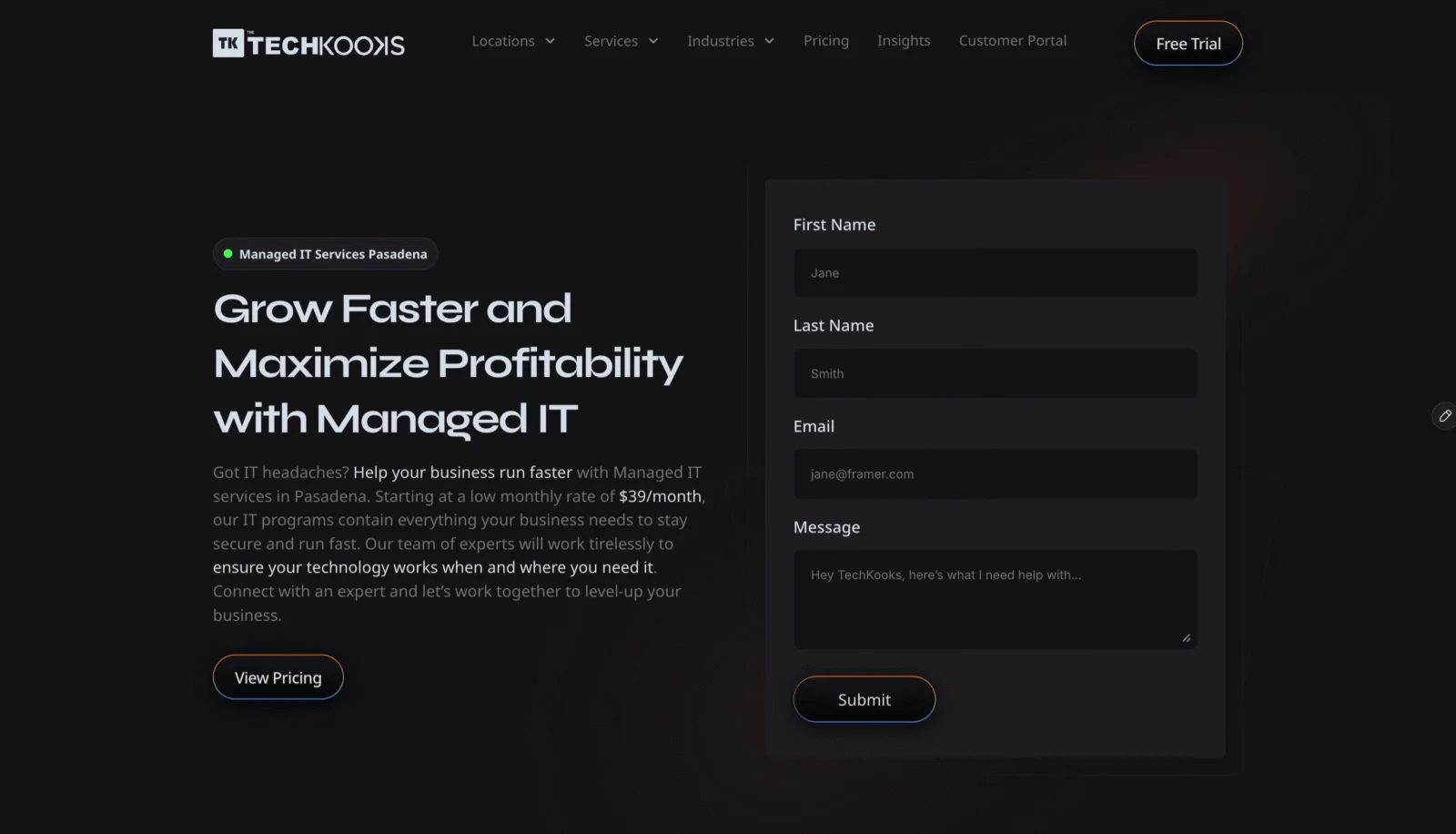
Snapshot: Founded 2022 · Pasadena listing at 150 E Colorado Blvd · 5.0 stars from 5 Google reviews
- Three published plans at $39.99, $49.99 and $59.99 per user per month keep IT costs predictable as headcount rises and falls with project load
- The top plan adds 24/7 managed detection and response, round-the-clock protection for project files
- Google listings in Burbank, Culver City, Santa Clarita and San Pedro as well as Pasadena; “Smart Tech Plans” cover IT roadmaps and budgets for planning hardware refreshes
Worth knowing: No architecture page or CAD and BIM experience listed, and few reviews on each listing.
2. Managed IT Services Pasadena (MITSP)

Snapshot: About 11 years in business · Office at 1055 E Colorado Blvd · 5.0 stars from 4 Google reviews
- Managed IT Services Pasadena offers the same three published plans, $39.99 to $59.99 per user per month, on month-to-month terms with no onboarding fees
- Out-of-plan work, such as a workstation rollout or an office move, is billed at $150 per hour
- Reports 20+ locally based technicians; 24/7 managed detection and response on the top plan and an IT roadmap service
Worth knowing: No architecture page, few reviews so far and no third-party review profile.
3. Intelligent Technical Solutions (ITS)

Snapshot: Founded 2003 · Office at 489 E Colorado Blvd, one of 14 US offices · 5.0 stars from 8 Google reviews
- Its architecture and design page covers secure access to drawings, models and files from the office, a job site or home
- Offers AI governance and a managed AI platform with guardrails for drawings, bids and client files
- Three published plans from $125 to $300 per user per month; runs its own 24/7 SOC
Worth knowing: Its architecture page doesn’t name Revit, BIM or workstation support. Headquartered in Las Vegas.
4. AllSafe IT
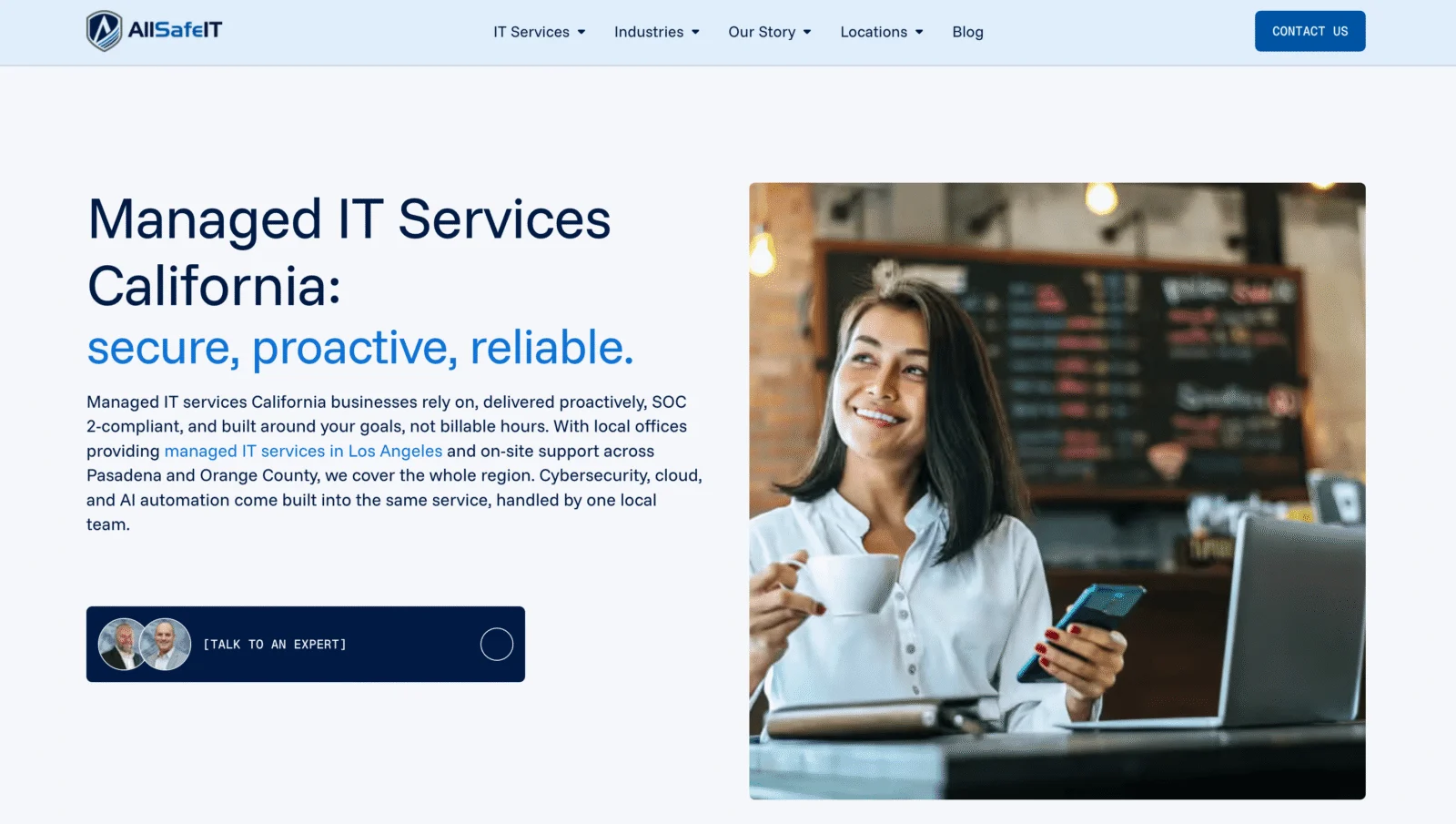
Snapshot: Founded 2001 · HQ at 70 S Lake Ave · 4.8 stars from 63 Google reviews
- vCIO services for planning workstation, storage and network upgrades around project schedules
- SOC 2 attested with 24/7 managed detection and response, useful when a client contract asks about your security controls
- Publishes a pricing range of $100 to $250 per user per month; AllSafe Intelligence covers AI consulting and workflow automation
Worth knowing: No architecture page or CAD and BIM experience listed, and pricing is a range rather than fixed plans.
5. Techmedics

Snapshot: Formed 2001 · HQ at 45 S Arroyo Pkwy · 5.0 stars from 21 Google reviews
- Its architecture page names AutoCAD, Revit and BIM support, including performance tuning and design software licensing and renewals
- Specs and sources CAD and BIM workstations, and offers virtual desktops for running design software from job sites
- Cloud storage for CAD and BIM files with role-based permissions; offices in Pasadena, Denver and the Dallas area
Worth knowing: Pricing is quote only, and its architecture page doesn’t mention plotter or large-format printer support.
6. Netready IT

Snapshot: Founded 1995 · HQ at 251 S Lake Ave · 5.0 stars from 71 Google reviews
- The most-reviewed provider in this report, with a perfect Google rating
- Fixed monthly pricing across three plans: Essentials, Advanced and Complete Care
- Co-managed IT suits studios where a CAD manager already handles some IT; staff includes a NOC/SOC manager, and it offers vCSO services
Worth knowing: No architecture page, plan prices aren’t published and no AI service is listed.
7. Xantrion

Snapshot: Founded 2000 · Office at 177 E Colorado Blvd · 4.8 stars from 26 Google reviews
- Every client gets a dedicated vCIO, each supporting 3–10 clients, which helps when planning storage and workstation upgrades
- AICPA SOC 2 certified; 24/7 US-based incident response with a 15-minute response time
- 14 Clutch reviews; offers an AI Enablement Sprint for teams adopting AI tools
Worth knowing: No architecture page, headquartered in the Bay Area and pricing is quote only.
Buyer’s guide: choosing IT support for a Pasadena architecture firm
What IT support costs for an architecture firm
Published managed IT pricing in Pasadena runs from about $40 to $300 per user per month. Design studios should budget for hardware and software on top of that.
- Lower-priced plans cover security tools, backup, monitoring, patching and help desk.
- Higher-priced plans add vCIO time, a 24/7 security operations center and compliance programs.
- GPU workstations and design software licenses are usually bought separately from the monthly plan.
- Out-of-plan work typically runs $150–$199 per hour.
What your agreement should cover
- GPU workstation specs, sourcing, setup and a replacement schedule
- Fast remote access to large Revit files through Autodesk Docs, Egnyte, Panzura or virtual desktops
- Backups and versioning for active projects and archives, with tested restores
- Plotter and large-format printer support
- Design software licensing and renewals
- Monitoring, patching and endpoint detection and response
- Internet and Wi-Fi sized for moving large files
- Onboarding and offboarding for staff and contract designers
- Onsite support terms for your Pasadena studio
Architecture firms face few IT regulations, but drawings are client IP and many client contracts now include security clauses, so make sure your provider can help you meet them.
Questions to ask before you sign
- Which architecture or design firms do you support, and can we speak with one?
- How would you give remote staff fast access to our Revit models?
- Do you spec and source GPU workstations, and how often do you recommend replacing them?
- Who supports our plotters and large-format printers?
- How do you back up and version project archives, and how long would a full restore take?
- Will you manage our design software licensing and renewals?
- Is your security operations center in-house or outsourced? Who handles an alert at 2 a.m.?
- What’s the contract term, and how does offboarding work, including returning admin credentials and documentation?
Outsourced vs. in-house IT: the ROI
According to May 2024 Bureau of Labor Statistics data, the median network and computer systems administrator in the Los Angeles metro earns $105,270 a year, before benefits and payroll taxes. That’s one person, who can’t cover nights, vacations or every security specialty.
A 20-person Pasadena studio paying published local rates would spend about $9,600–$72,000 a year on managed IT. Even the top of that range costs less than one in-house hire’s salary, and it buys a team, a security stack and after-hours coverage.
Many studios already have a CAD or BIM manager who handles some IT. For them, co-managed IT is often the better fit: the internal lead keeps the design tools running, and the provider covers security, backups and after-hours support.
Frequently asked questions
How can remote staff open Revit files without lag?
Opening a central model over a VPN is slow because the whole file moves across the connection. Firms usually fix this with Autodesk’s cloud collaboration tools, a file-caching service such as Egnyte or Panzura, or virtual desktops that keep the software and the files in the same place. Techmedics, for example, offers virtual desktops for running CAD and BIM software from job sites. Contractors face a similar problem getting drawings to job sites, covered in our report on IT support for construction companies in Pasadena.
Cloud storage or a local file server?
It depends on file sizes and where your team works. A local server is fast in the office but slow from home, while pure cloud storage can struggle with large models. Many studios use a hybrid: local storage or a caching appliance for speed, with cloud sync for remote access and offsite backup.
Who supports our GPU workstations?
Your managed IT provider should, but confirm it in the contract. Ask whether the plan covers graphics drivers, hardware failures and performance issues in design software, and whether the provider will spec and source replacement machines. Manufacturers with in-house engineering teams have the same questions about CAD workstations; see our report on IT support for manufacturers in Pasadena.
What does IT support cost for an architecture firm?
Among Pasadena providers that publish pricing, managed IT runs about $40–$300 per user per month, so a 20-person studio would pay roughly $9,600–$72,000 a year. Workstations and design software licenses are usually extra.